

A Short Guide to Strategic EOL & EOS Management
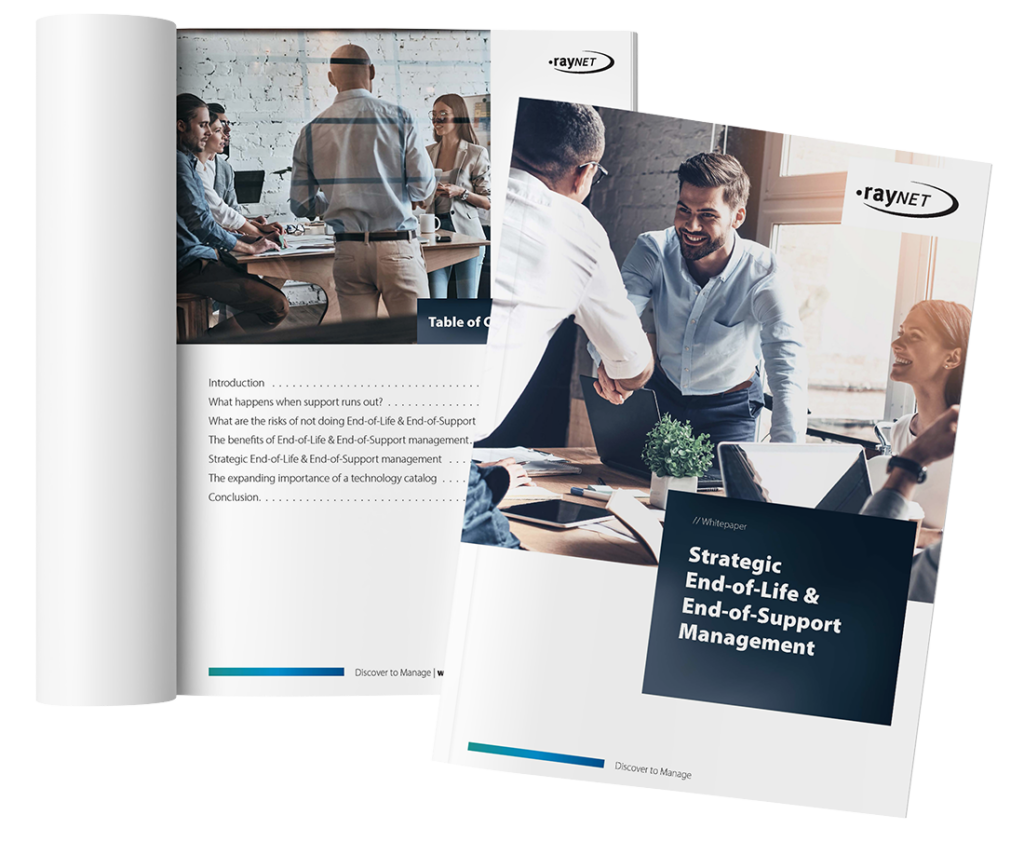
Download our whitepaper to learn how strategic End-of-Life and End-of-Support Management helps organizations identify unsupported technology before it creates security, compatibility, cost, or operational problems. Discover how lifecycle visibility, structured decision-making, and technology catalog intelligence can help you plan migrations earlier, reduce risk, and keep critical IT services reliable.
Why lifecycle visibility matters
When vendor support ends, organizations may lose access to security patches, maintenance updates, compatibility fixes, and technical assistance. What was once a manageable lifecycle event can become an urgent security, operational, and financial problem.
Strategic EOL/EOS Management gives organizations the visibility and time needed to decide whether technology should be upgraded, replaced, migrated, supported beyond its standard lifecycle, or managed internally.
What you will learn in this whitepaper
Learn how to move from simply knowing that technology is approaching EOL or EOS to making informed lifecycle decisions before support runs out.
Inside the whitepaper, you will find:
- The difference between End-of-Life and End-of-Support
- The security, compatibility, performance, cost, and compliance risks of unsupported technology
- The business benefits of proactive EOL/EOS Management
- A six-step approach to strategic lifecycle management
- Guidance for evaluating extended support, replacement, and migration options
- How a Technology Catalog provides the Lifecycle Intelligence discovery tools cannot collect
What should happen when EOL or EOS approaches?
Find out what’s ending
Track EOL and EOS status across the hardware and software in your environment.
Check extended support
Determine whether additional vendor support is available and whether it makes business sense.
Assess risk and value
Evaluate the implications of keeping, replacing, or migrating the affected technology.
Decide on the future state
Determine whether the asset should be upgraded, replaced, retired, or retained.
Plan the migration
Understand dependencies and prepare the transition to avoid unnecessary service disruption.
Coordinate with security
Manage vulnerabilities and exposure during the period between support expiry and full remediation.
Frequently asked questions
What is the difference between EOL and EOS?
End-of-Life generally marks the point at which a vendor begins retiring a product from its portfolio. End-of-Support is the point at which standard vendor maintenance and support are no longer available.
The distinction matters because EOL should trigger planning, while EOS can create immediate operational and security concerns.
What happens when a product reaches End-of-Support?
Organizations generally have three options: purchase extended support where available, upgrade or replace the technology, or continue operating it without standard vendor support.
Continuing without support transfers responsibility for Vulnerability Monitoring, maintenance, and problem resolution to the organization.
What risks are associated with unsupported technology?
The whitepaper identifies security gaps, compatibility problems, declining performance, service interruptions, higher internal support costs, and regulatory concerns.
The actual impact depends on what the asset supports and how long it remains in the environment after standard support ends.
When should EOL/EOS planning begin?
Ideally, planning should begin when the vendor announces End-of-Life rather than waiting until End-of-Support. The period between these milestones provides an opportunity to evaluate alternatives, budgets, dependencies, migration requirements, and extended-support options.
Why can't discovery tools provide EOL and EOS information on their own?
Discovery tools can identify technology present in the environment, but lifecycle information is published externally through vendor websites, announcements, emails, support policies, and other documentation.
That information must therefore be collected, maintained, and connected with the correct discovered products.
How does a Technology Catalog support EOL/EOS Management?
A Technology Catalog provides a maintained reference layer for hardware and software information. It can normalize discovered product records and enrich them with lifecycle and market data, allowing organizations to connect EOL and EOS information with the technology actually deployed in their environment.
This reduces reliance on manual vendor research and creates a more reliable basis for lifecycle planning and decision-making.